
Update a Call
Updating a task allows you to make changes to existing information, ensuring that your task management remains accurate and up-to-date.-
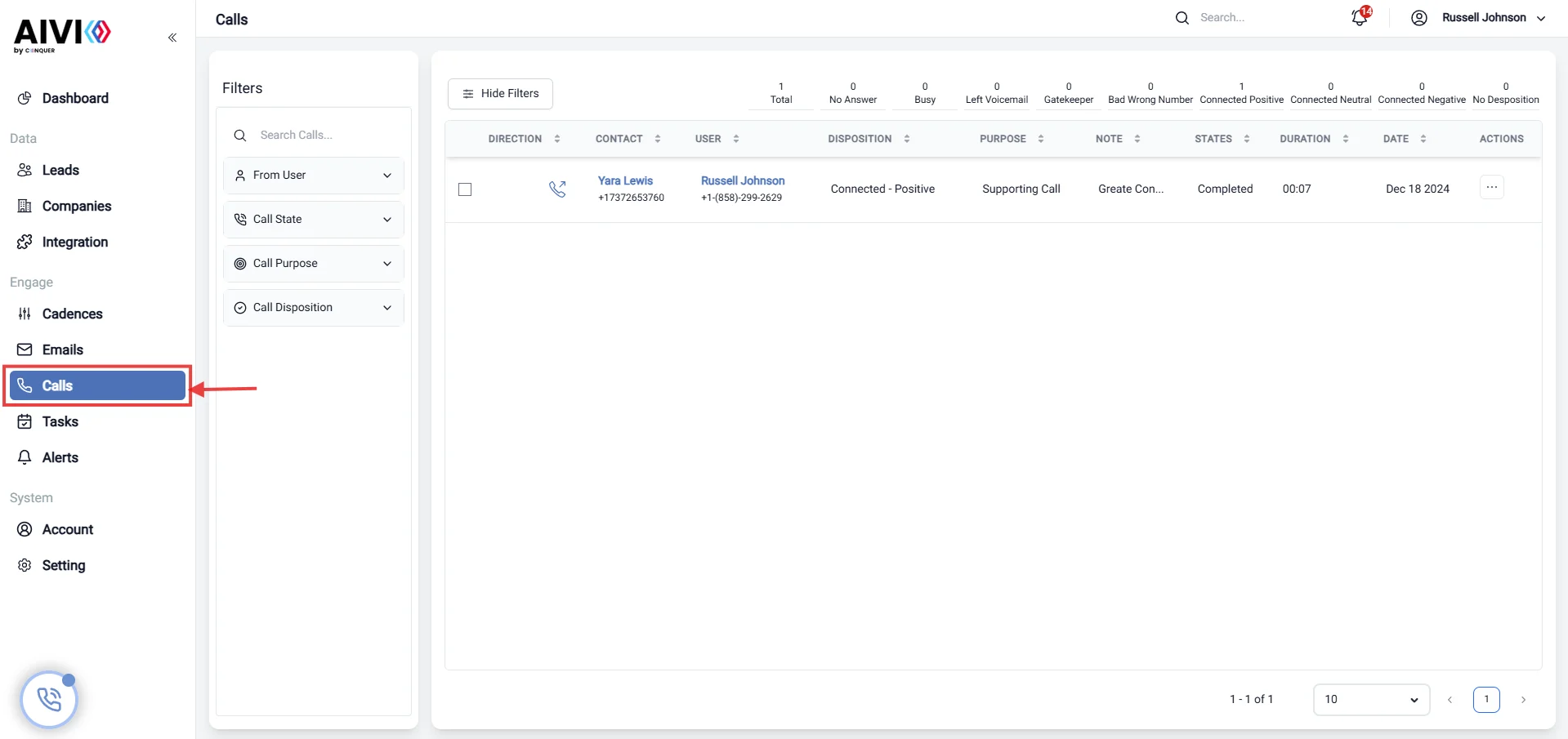
Go to the Calls Page.
Navigate to the main dashboard and click on the Call section to view all existing tasks.
-
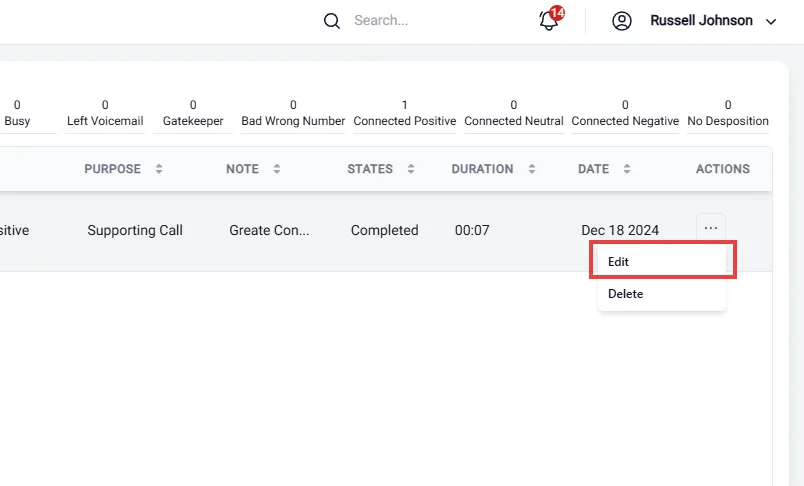
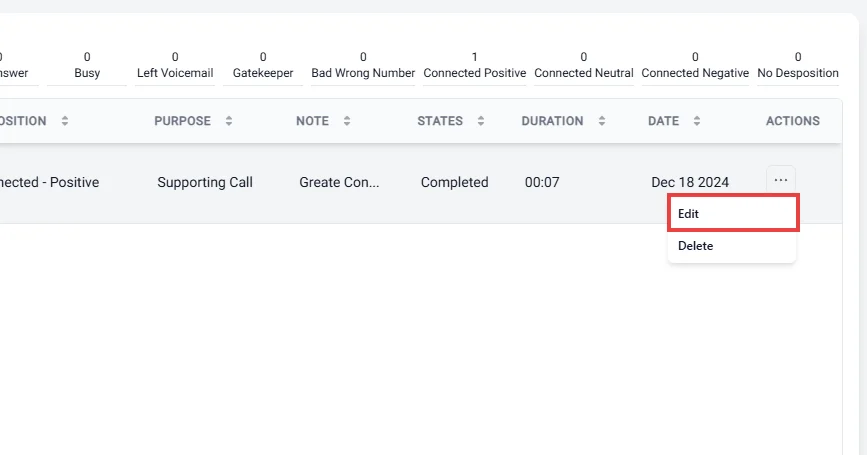
Click on the three dots (action menu), and then select the Edit button.
-
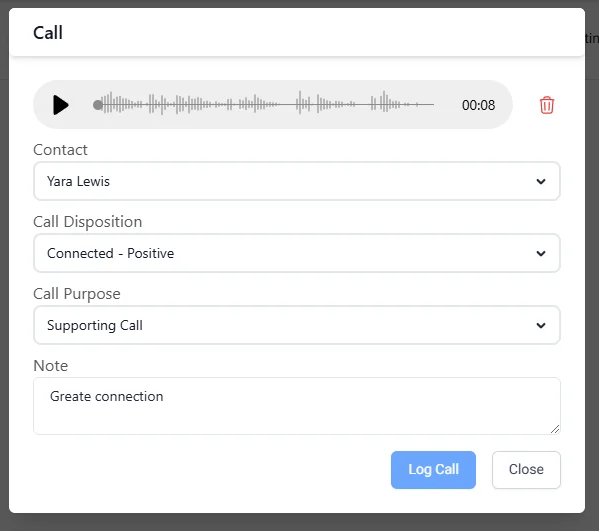
Save the Updated Call Information.
After making the necessary changes, click the Log Call button to save your modifications.
Remove the Old Call Information
To delete call information from a task, follow these steps: Find the call from which you want to remove. Click on the three dots (action menu) and select the Delete button.