

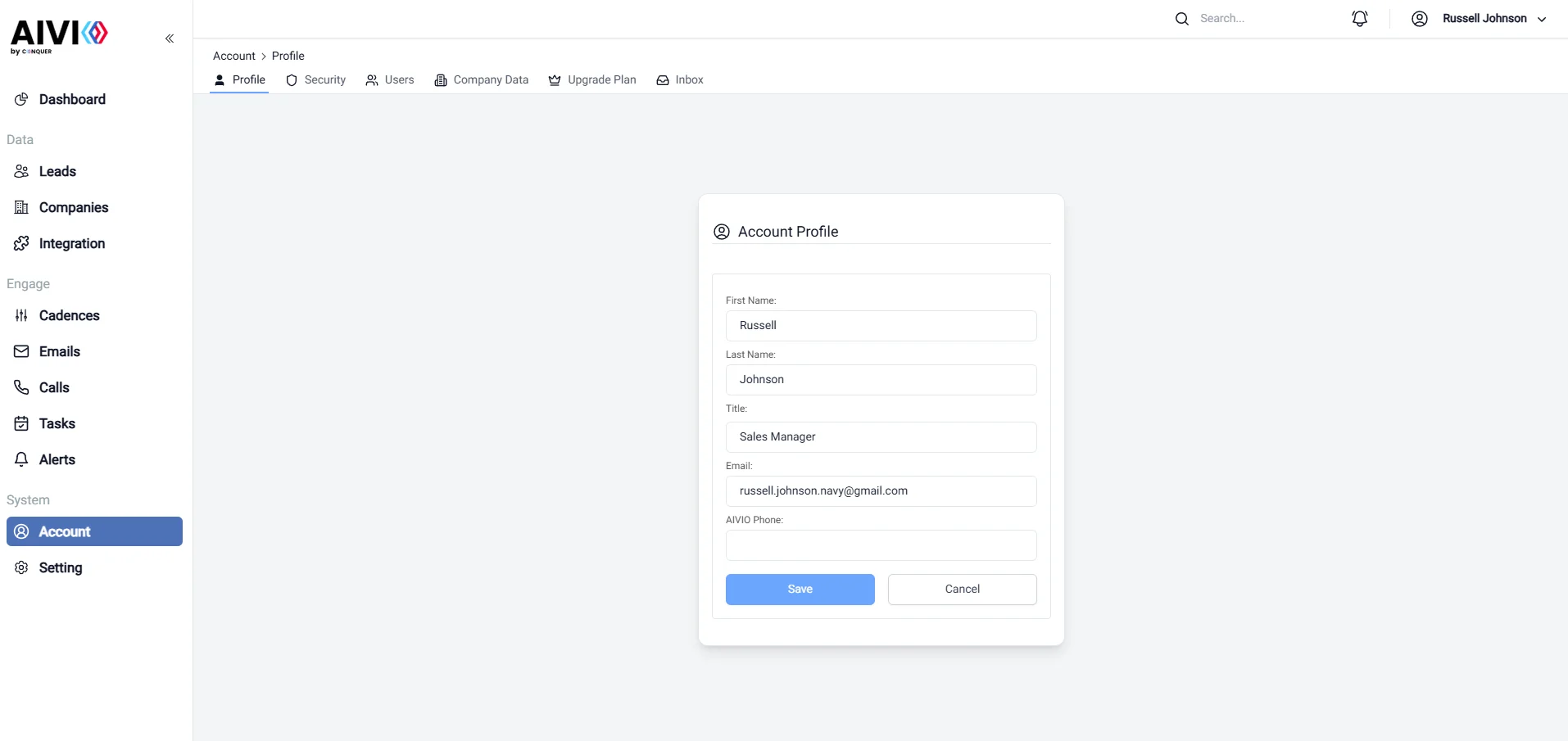
- First Name: Enter your first name as you would like it to appear in communications and on your profile.
- Last Name: Enter your last name to maintain a professional identity within the platform.
- Title: Update your job title (e.g., Sales Manager) to reflect your current position, which helps colleagues and clients understand your role within the organization.
- Email: Provide your email address for communication purposes. Ensure that it is an active email that you regularly check, as this will be used for notifications and important updates.
- AIVIO phone number: You can check your AIVIO phone number to enable seamless communication and collaboration within the platform.