

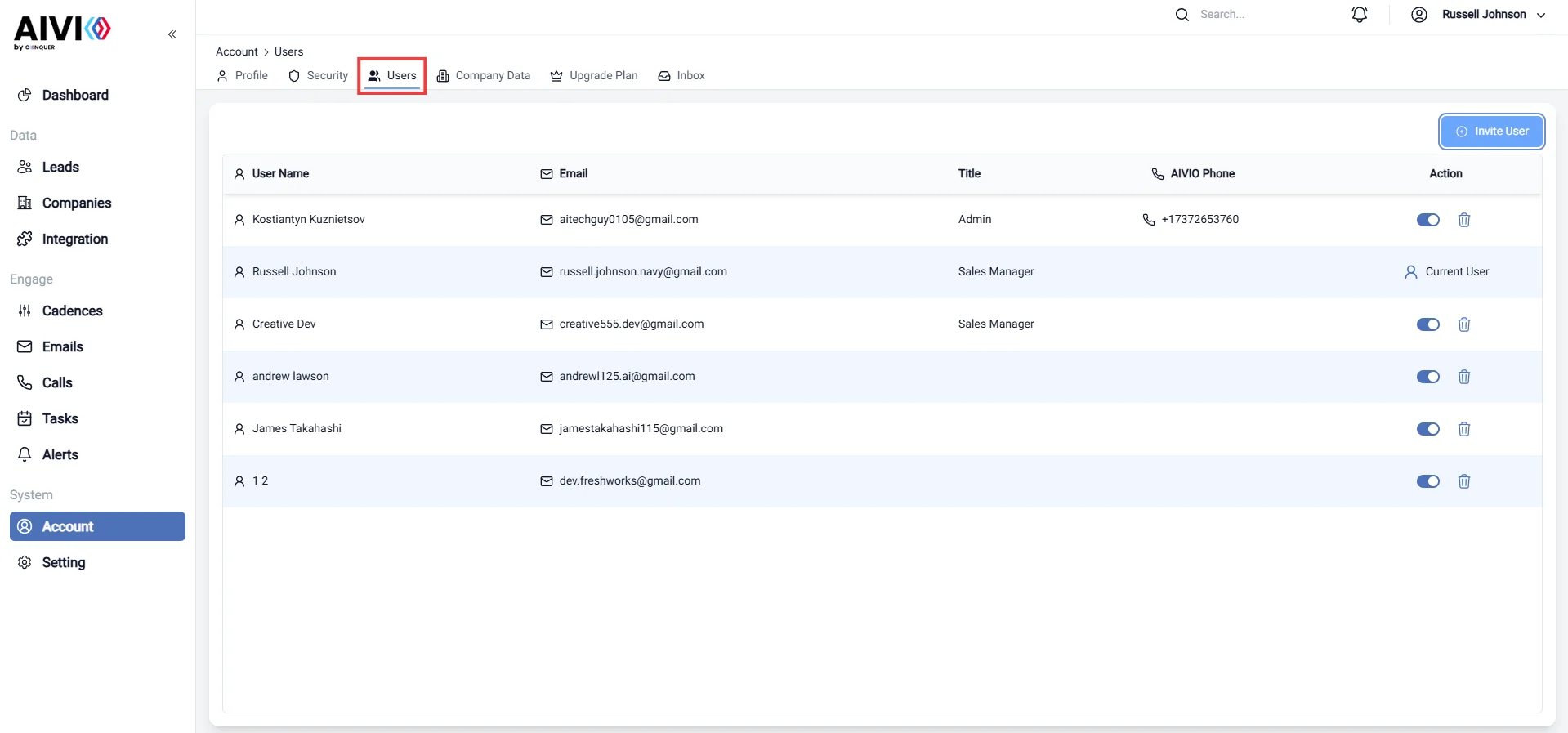
- Activate/Deactivate Users: Easily toggle user accounts between active and inactive status. This feature is useful for managing team members who may be temporarily away or no longer part of the organization.
- Delete Users: Permanently remove user accounts that are no longer needed. This action helps maintain a clean and efficient user list, ensuring that only relevant members have access to your organization.
- Invite Users: Send invitations to new members to join your organization. Enter their email addresses, and they will receive an invitation link to create their accounts, allowing for seamless onboarding.