

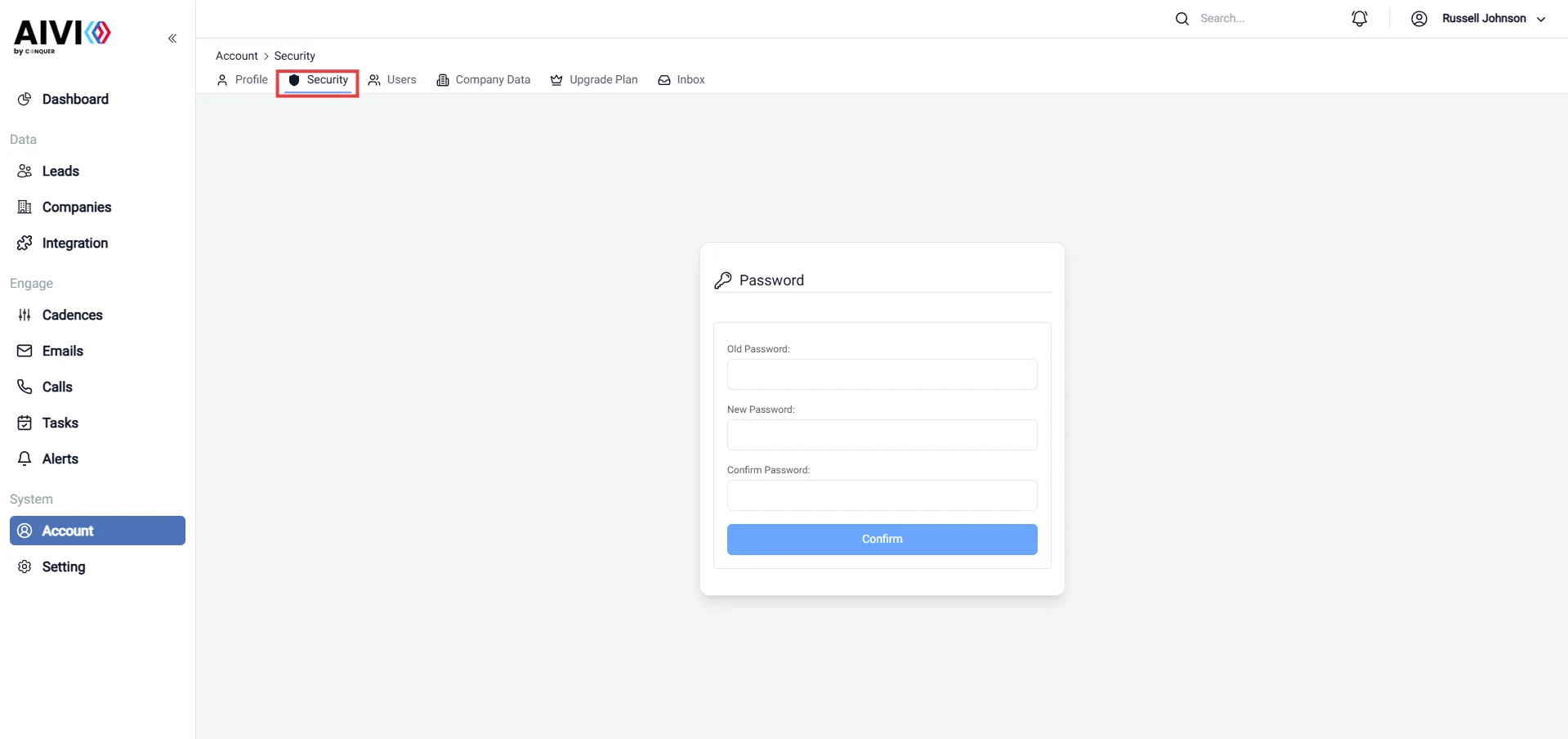
Account Profile Light On the Security page, you have the ability to update your password to enhance the protection of your account. Regularly changing your password is a vital step in maintaining security and safeguarding your personal information. To update your password, follow these simple steps:
  • Old Password: Enter your existing password to verify your identity.
  • New Password: Create a strong new password that is at least eight characters long, incorporating a mix of uppercase letters, lowercase letters, numbers, and special characters.
  • Confirm New Password: Re-enter your new password to ensure accuracy.
After saving your changes, remember to log in with your new password. Keeping your password secure and unique helps protect your account from unauthorized access.