

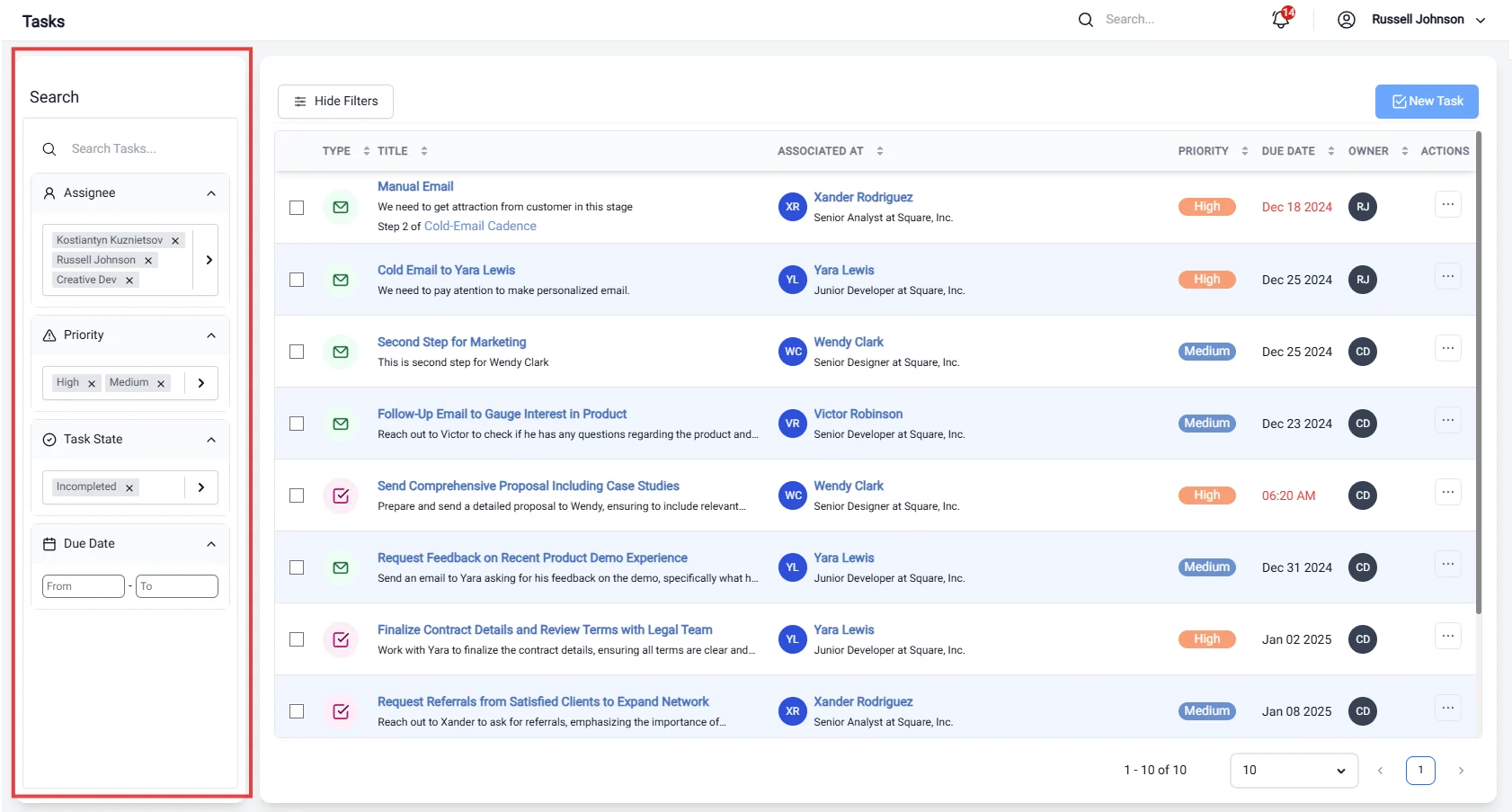
Sidebar Filters
The Sidebar Filters provide a convenient way to narrow down your task view based on specific criteria. This feature enhances your ability to manage tasks effectively by allowing you to focus on the most relevant items.Key Filter Options:
-
Assignee:
- Filter tasks based on the individual responsible for completing them. This allows you to quickly locate tasks assigned to you or your teammates, facilitating better collaboration and accountability.
-
Task State:
- Refine your task list by their current status. You can filter tasks by:
- COMPLETE: View all tasks that have been finished.
- INCOMPLETE: Focus on tasks that are still pending.
- SKIPPED: Identify tasks that were intentionally not completed.
- ARCHIVED: Access tasks that have been archived for future reference.
- Refine your task list by their current status. You can filter tasks by:
-
Priority:
- Sort tasks according to their urgency level. This filter helps you prioritize your workload by focusing on high, medium, or low-priority tasks, ensuring that critical items are addressed promptly.
-
Due Date:
- Filter tasks based on their deadlines. You can view tasks that are due today, this week, or within a custom date range. This feature helps you manage your time effectively and avoid missing important deadlines.
Benefits of Using Sidebar Filters:
- Enhanced Organization: Keep your task list manageable by filtering out irrelevant tasks, allowing you to concentrate on what matters most.
- Improved Efficiency: Quickly locate tasks based on specific criteria, saving time and effort in task management.
- Better Focus: By focusing on tasks that require immediate attention, you can enhance your productivity and ensure timely completion of critical assignments.