

-
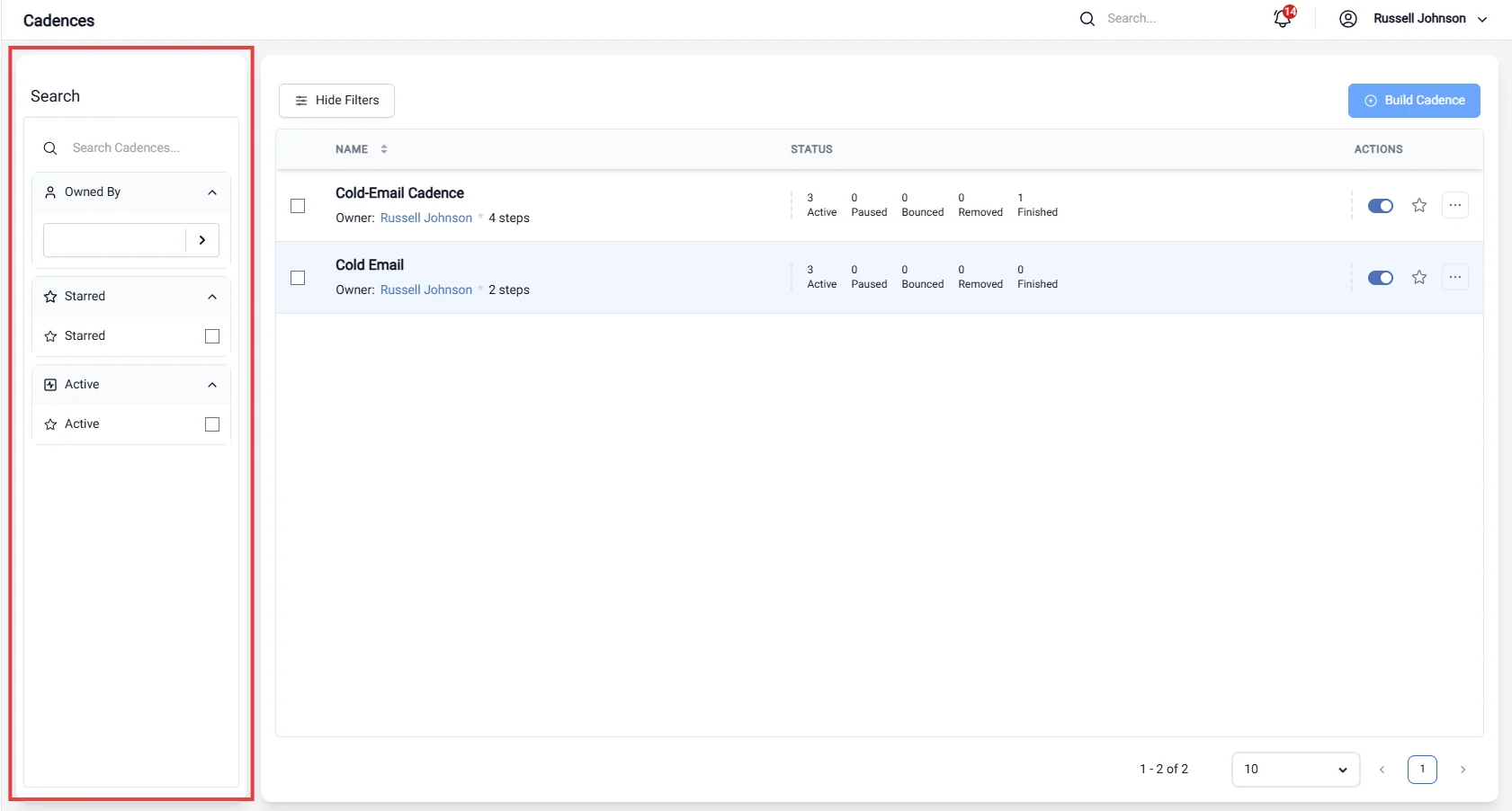
Options:
- Filter cadences based on specific options that align with your outreach strategy, enabling you to tailor your approach to different segments.
-
Owned By:
- Filter cadences based on the individual or team responsible for managing them. This allows for better accountability and collaboration within your sales team.
-
Active:
- Refine your cadence list to show only those that are currently active. This helps you focus on ongoing outreach efforts and prioritize your engagement activities.
-
Star:
- Identify and highlight cadences that are marked as important or high-priority. This feature ensures that you can easily access and manage your most critical outreach campaigns.
- Enhanced Organization: Keep your cadence list manageable by filtering out irrelevant items, allowing you to concentrate on what matters most.
- Improved Efficiency: Quickly locate cadences based on specific criteria, saving time and effort in managing your outreach efforts.
- Better Focus: By concentrating on cadences that require immediate attention or are of high priority, you can enhance your productivity and ensure timely engagement with prospects.