

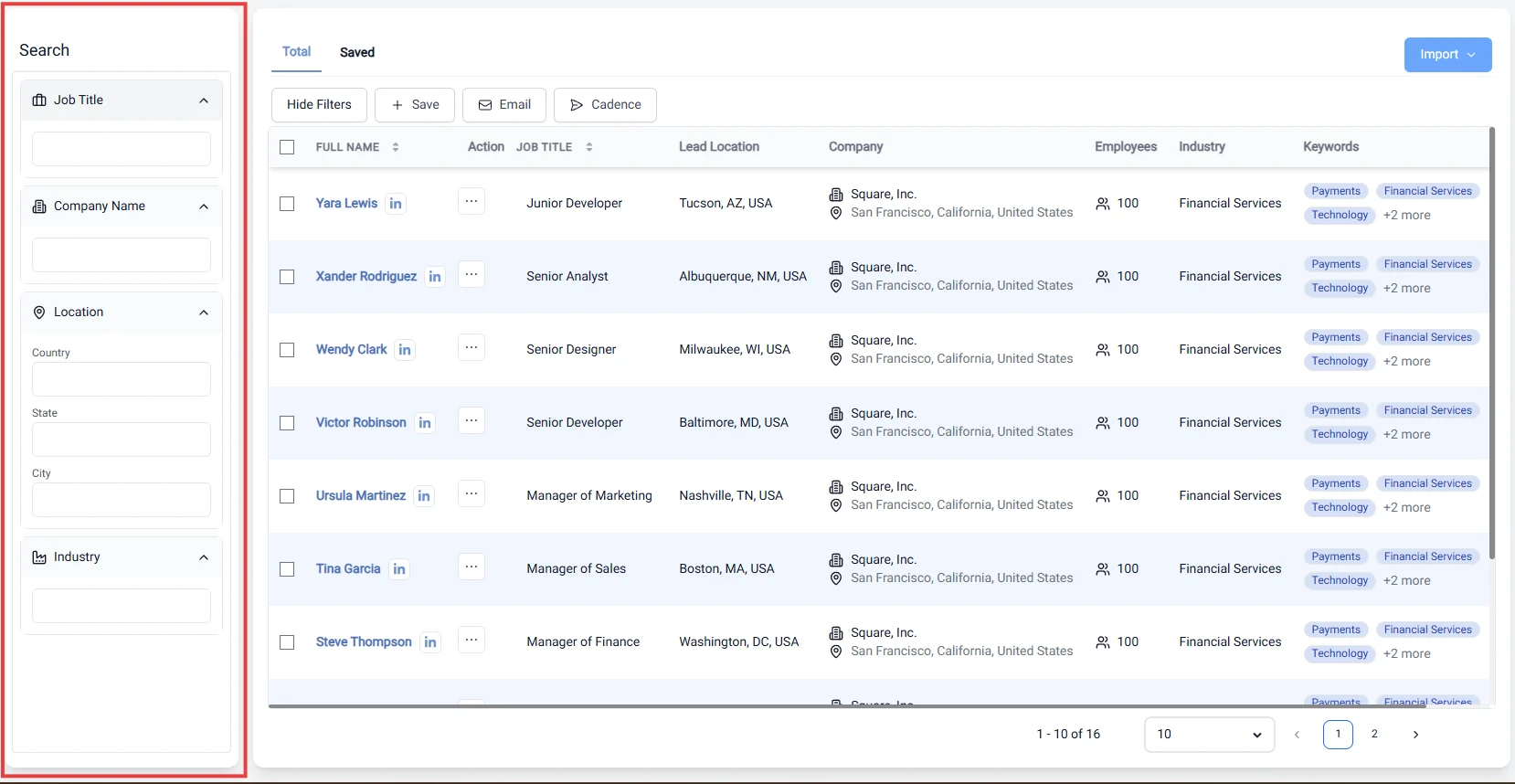
Filtering the proper lead information
Saving your target lead information
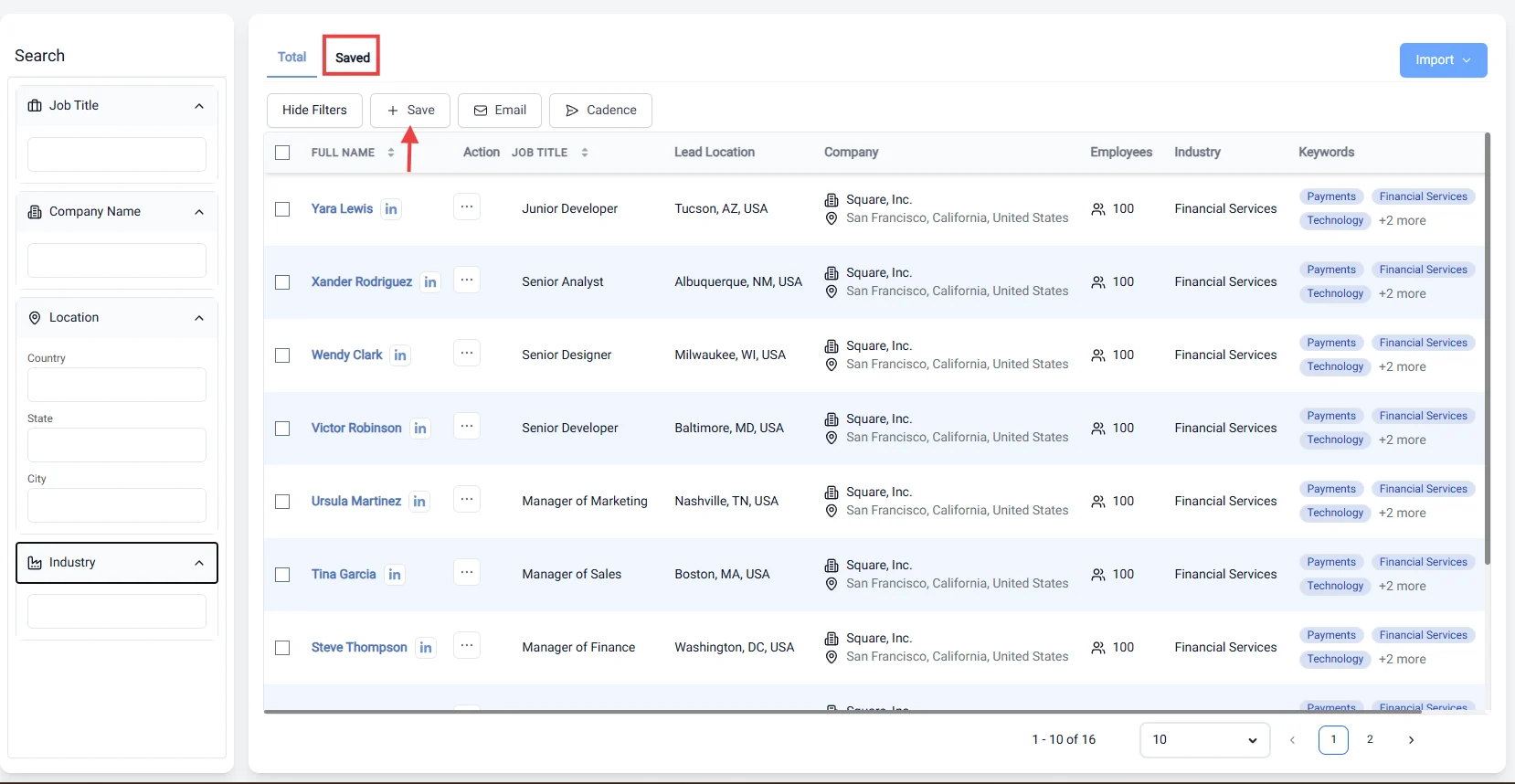
- Centralize Data: Keep all your lead information in one location, making it easier to manage and track potential clients.
- Enhance Collaboration: Share saved leads with your team members, facilitating better communication and collaboration on sales strategies.
- Prioritize Follow-Ups: Mark leads for follow-up, allowing you to focus on high-priority prospects and optimize your sales efforts.
- Track Progress: Monitor the status of each lead, from initial contact to conversion, helping you assess the effectiveness of your marketing strategies.
- Customize Notes: Add personalized notes or tags to each lead, ensuring that you have context for future interactions.