
Create a new lead
- Go to the Leads page.
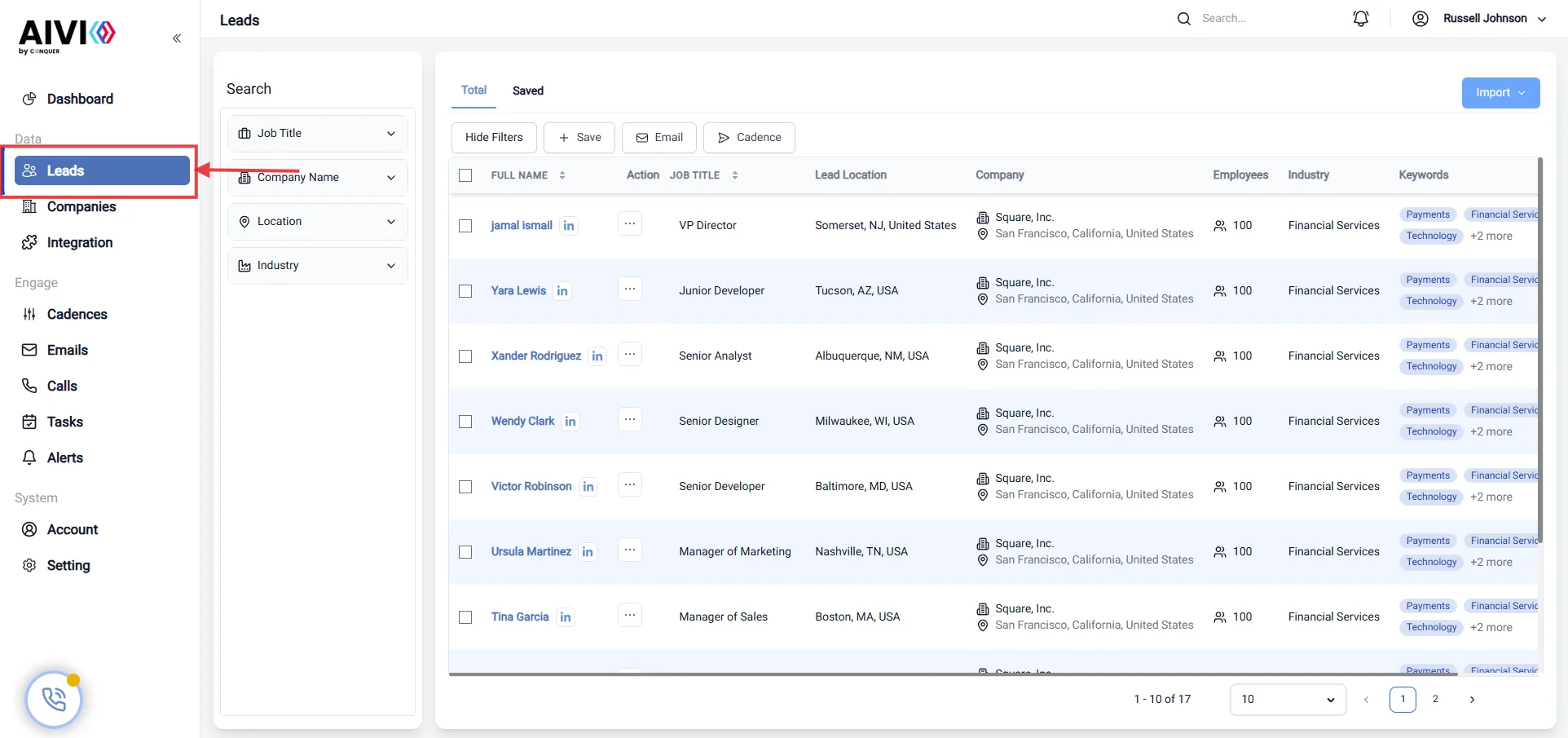
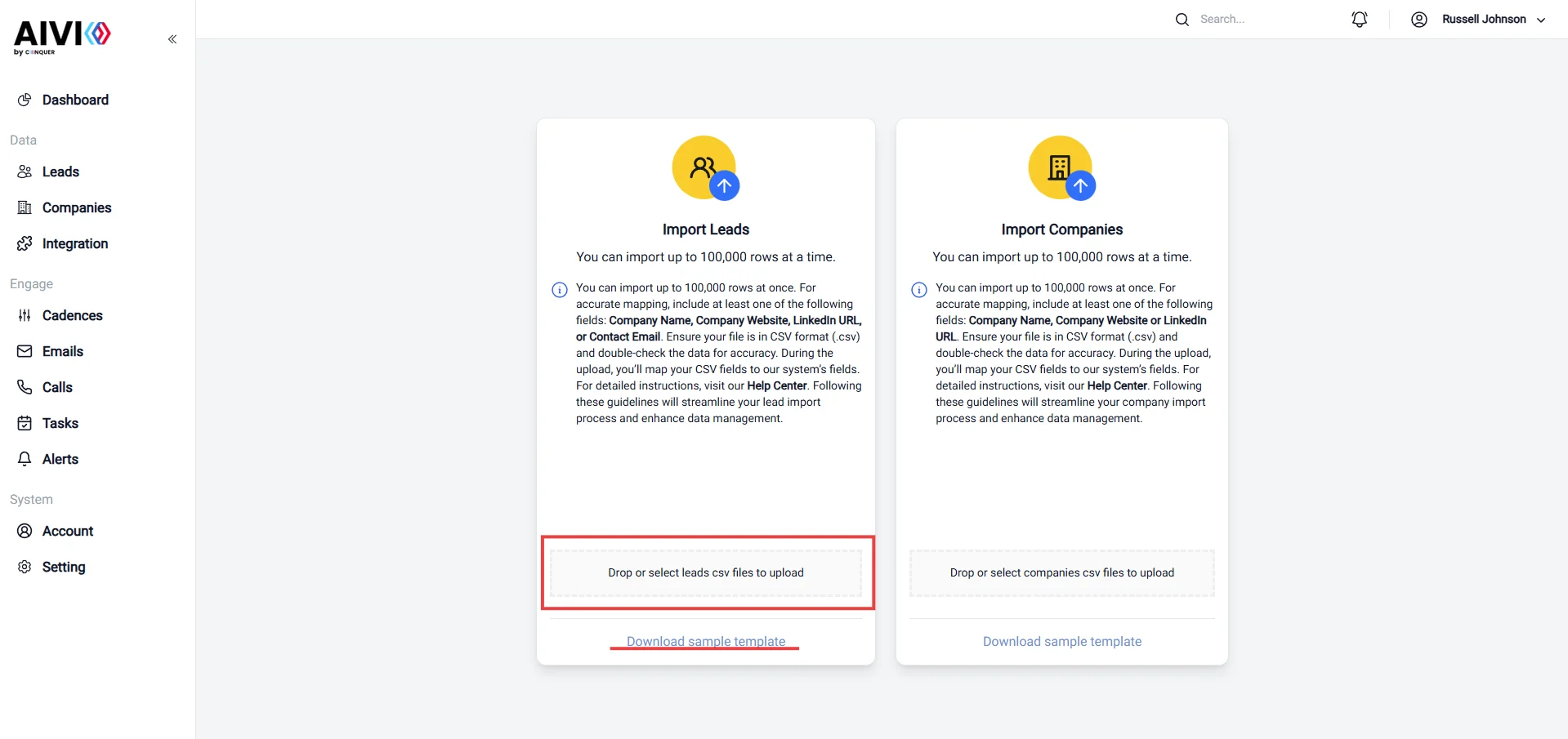
- Click on the “Create Lead” button. In this stage, you can choose the method to create a new lead. There are two options: Import single and Import from CSV.
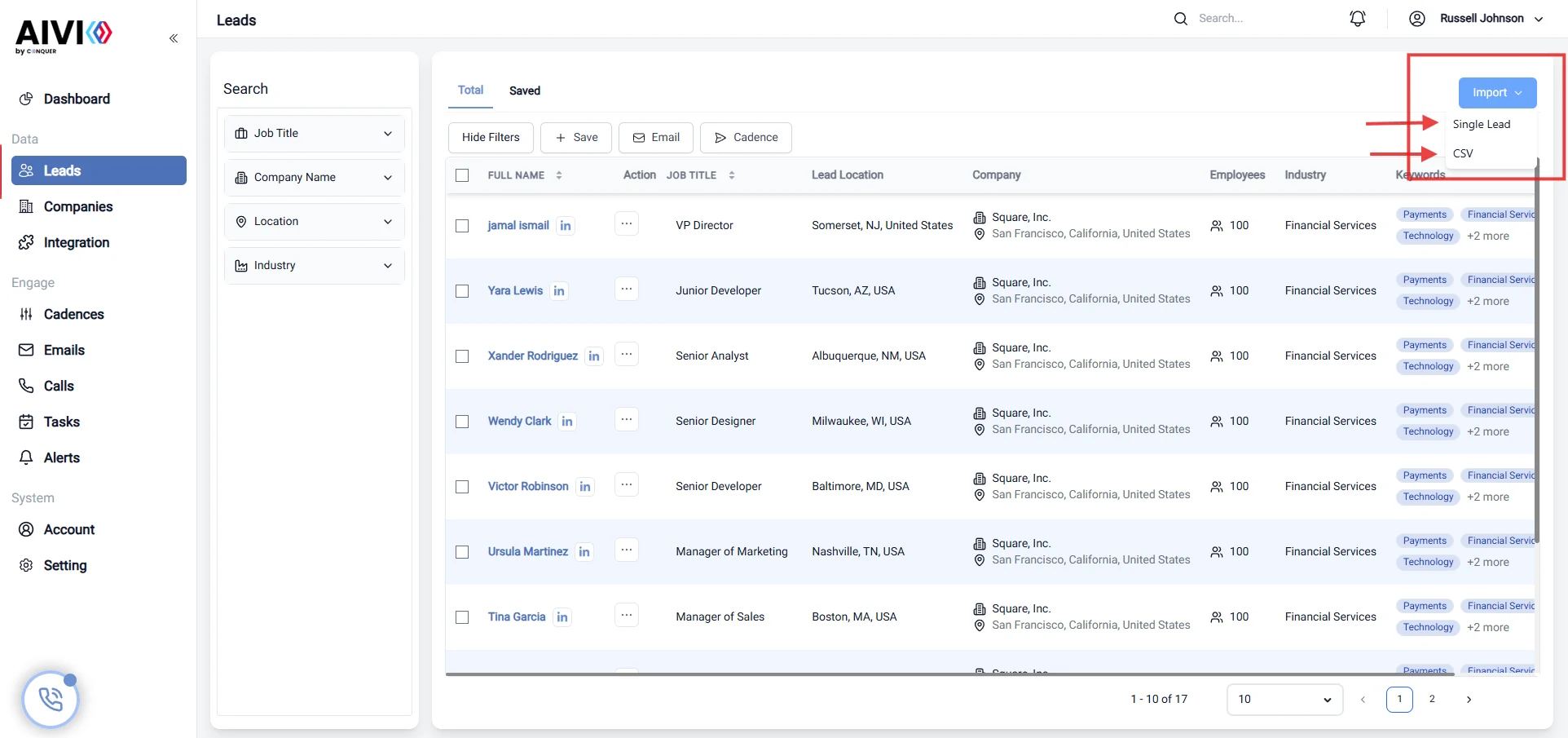
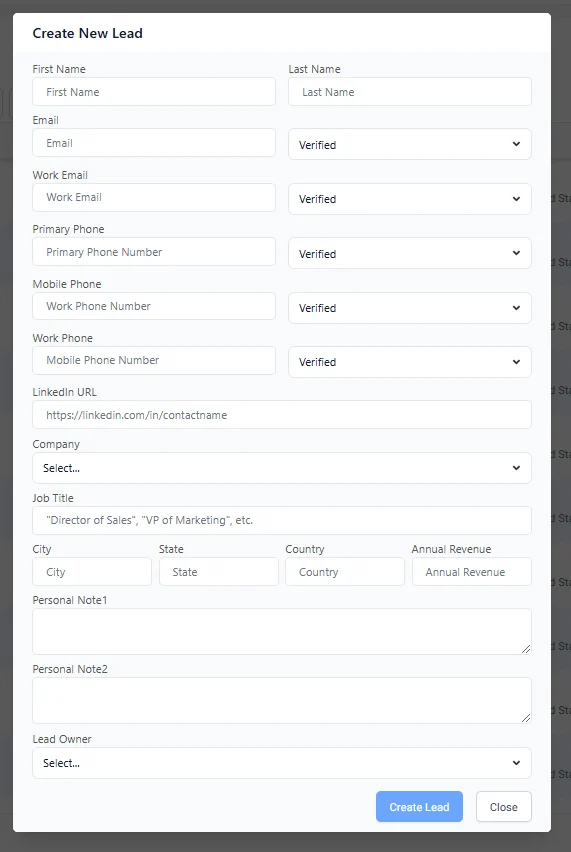
- Import single: This option allows you to create a single lead by filling in the required fields.
- Import CSV: This option allows you to import multiple leads from a CSV file.
Update a lead
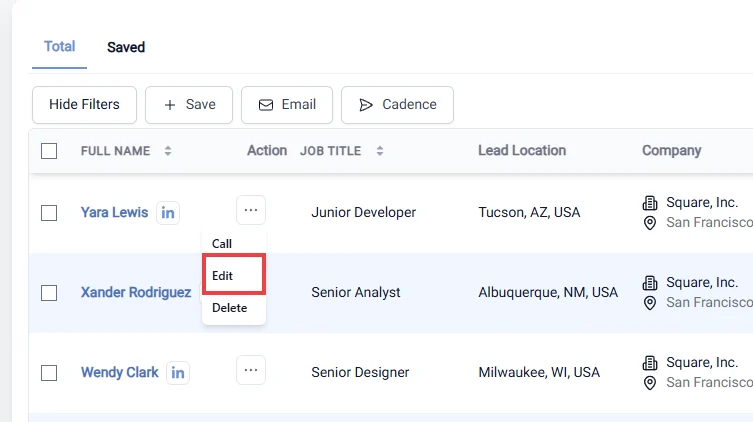
- Go to lead page and then you can update the lead by clicking on the three dots and then click on the “Update” button.
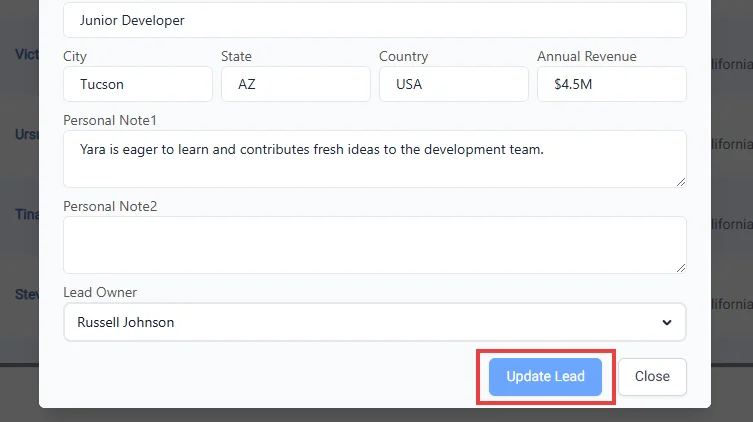
- Save the updated lead information by clicking “Update” button.
Remove the old lead information
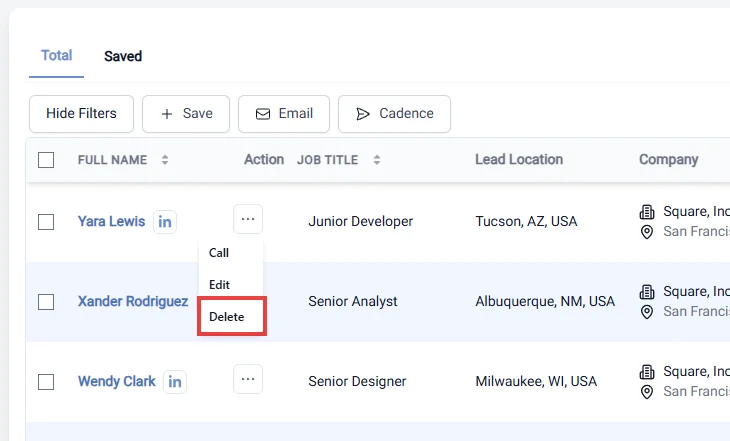
Go to lead page and then you can delete the lead by clicking on the three dots and then click on the “Delete” button.