
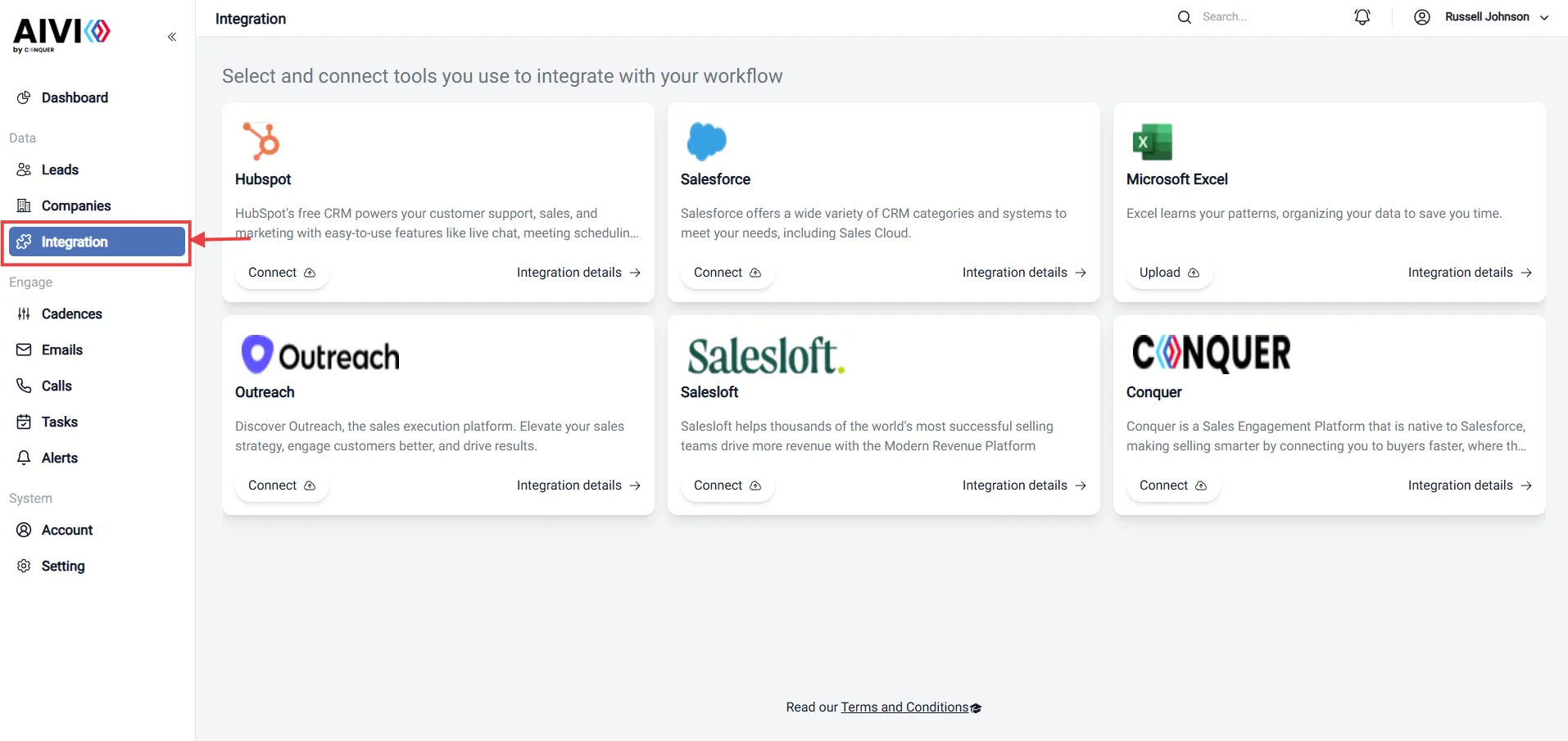
- Go to the Integration page.
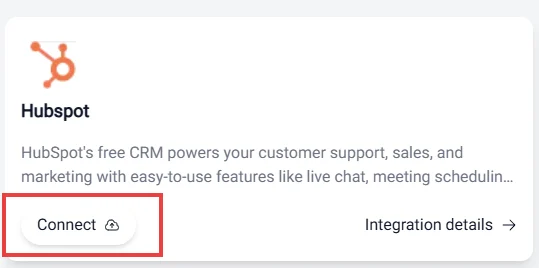
- Click “Connect” button to synchronize your hubspot with AIVIO application.
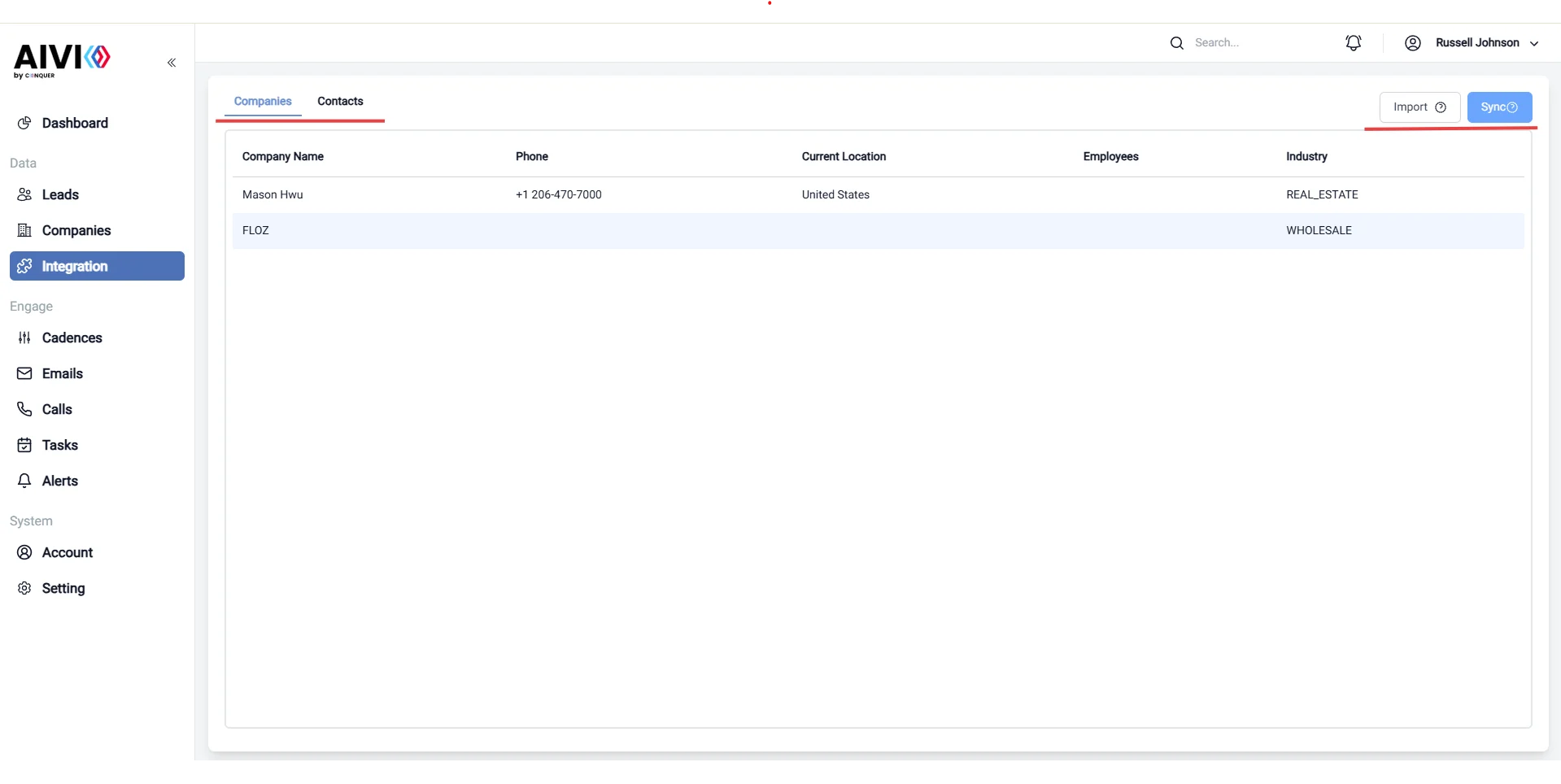
- After clicking the “Connect” button, you will be redirected to the Hubspot login page. You will be redirected to the AIVIO application after successful login. You can explore the company and leads in Hubspot and synchronize them with AIVIO application.